TPDesign5

Touch Panel Design/Programming for Modero X G5 Touch Panels

Amx Color Rgb

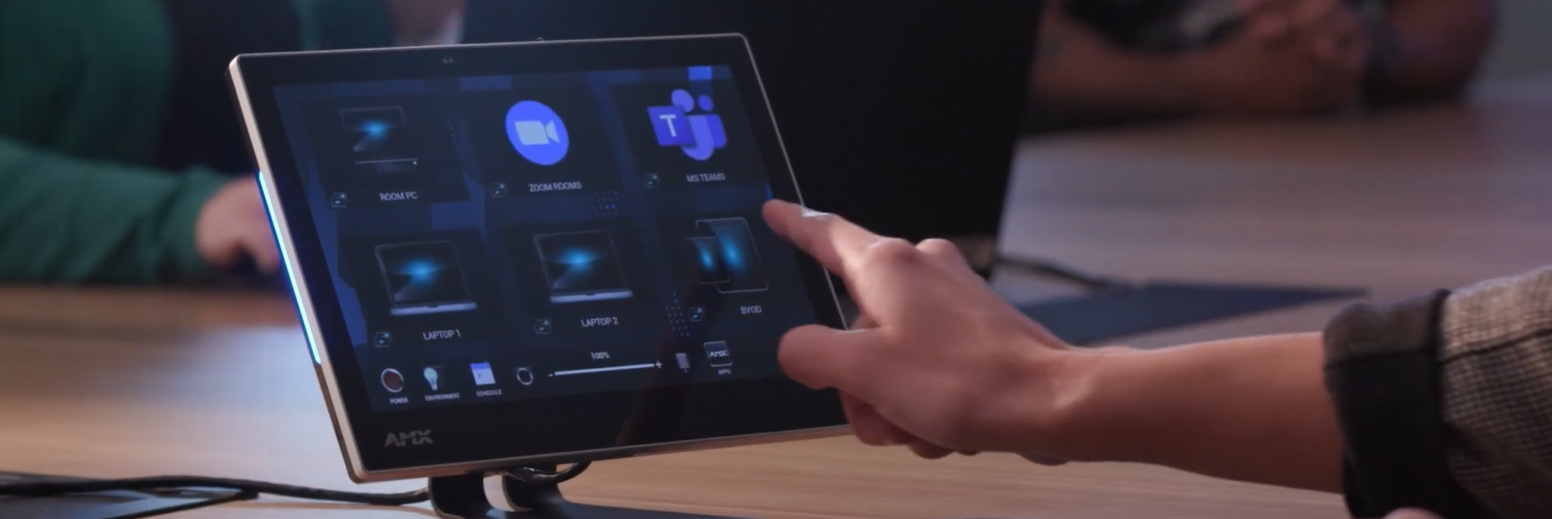
Create state-of-the-art touch panel interfaces for AMX G5 Touch Panels using the TPDesign application. TPDesign5 features enhanced ease of use, speed and functionality, as well as the ability to add Apps to the G5 control environment.

TPDesign5 supports the AMX G5 touch panels.

Downloads

Manuals
  Size Uploaded
file type icon Instruction Manual - TPDesign5
updated: Jul 2018
13.5 MB Jul 2018
Software
  Version Size Uploaded
download icon for TPDesign5 TPDesign5
version 1.5.111, released: Oct 2018
1.5.111   46.1 MB Oct 2018
download icon for G5 Support Files G5 Support Files
version 1.5.69, released: Jun 2023
1.5.69   2.47 MB Jun 2023

If any of the links above result in strange characters in your browser, please right-click the file to save it to your computer.
Features

  • International font capabilities on the user interface including support for right to left languages such as Arabic. A combination of language styles (right to left, and left to right) can also be used. So you can you include Arabic and English on the same screen.
  • Gesture touch recognition with precise velocity and prioritization
    • This feature provides the ability to program gestures on the touch-screen. These gestures include:
      • Left swipe
      • Right swipe
      • Up swipe
      • Down swipe
      • Clockwise
      • Counter-clockwise
      • Double-tap
  • Gestures are implemented in G5 similar to external buttons. They can be programmed with panel-wide defaults that can optionally be overridden for specific pages. Gestures can be edited on the panel's external-buttons page.
  • Page Flip Animations
    • This feature provides for a variety of animated page flip
      • slide
      • slide bounce
      • black glass
      • fade
      • door fade
      • page curl
      • center door fade
  • Embed certain Apps such as web browsers or Skype™ within the control environment as free-floating windows or fixed docking windows.

HARMAN Pro Insights

Full-Throttle Enterprise AV Control: Exploring the AMX Varia G5 Control Persona feature

Full-Throttle Enterprise AV Control: Exploring the AMX Varia G5 Control Persona

Selecting the right user interface for enterprise AV control is essential for delivering successful projects and an exceptional user experience. In this series, we explore AMX Varia touch panel personas—pre-loaded apps that define the complete panel experience. Previously, we spotlighted the Book Scheduling and Web

CONTINUE READING

HARMAN Professional Solutions:

TPDesign5

Touch Panel Design/Programming for Modero X G5 Touch Panels