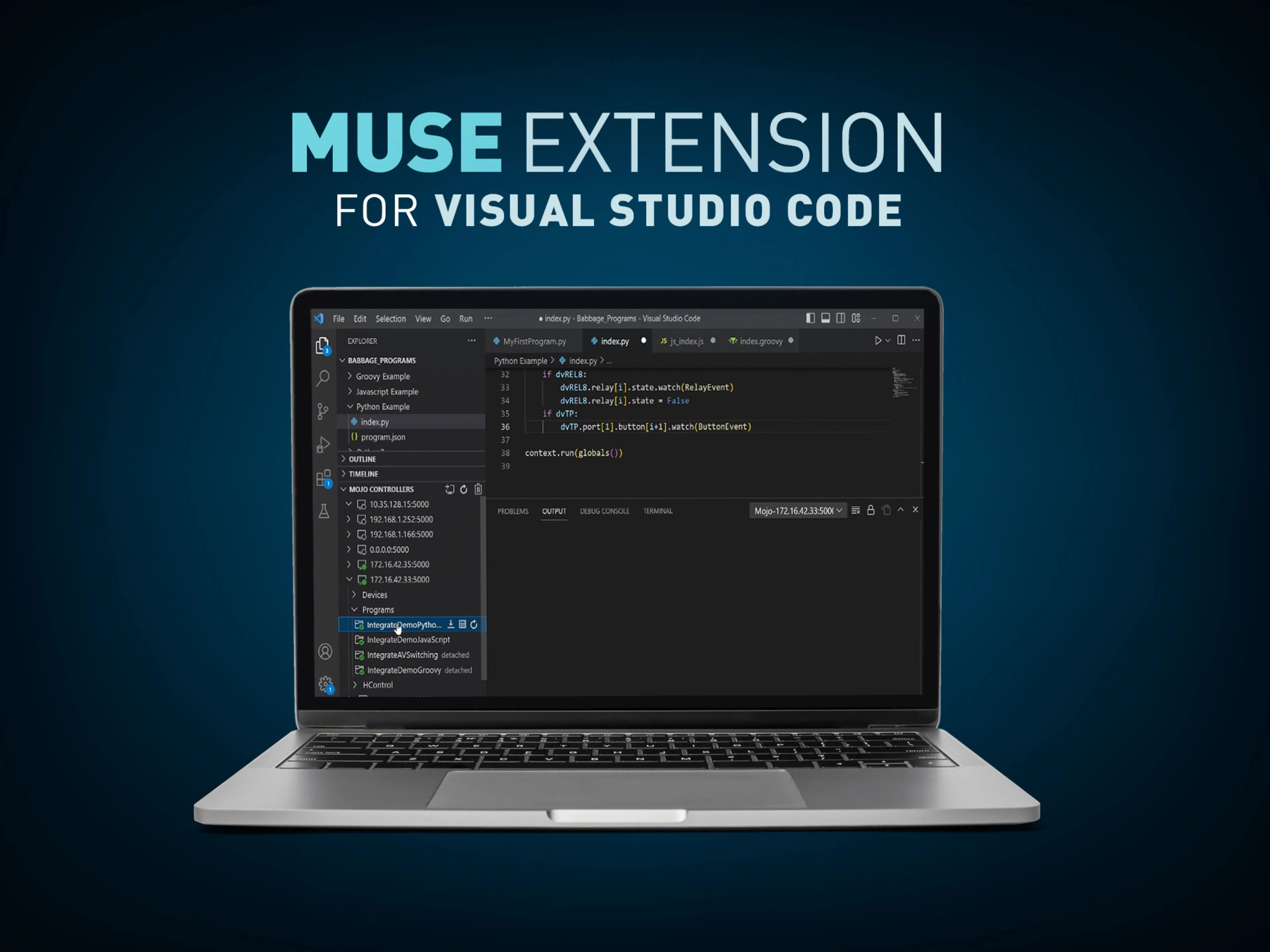
The MUSE Extension for Visual Studio Code adds a panel to the Explorer which greatly simplifies the interaction with MUSE Automation Controllers. The extension makes it easy to connect to MUSE Automation Controllers and view devices attached to those controllers. Loading and managing scripts on each controller is also made simple through the extension.
CONNECT MUSE DEVICES
Connect to MUSE Devices to view status
LOAD SCRIPTS
Load scripts simply without the need to manage folder structures or create descriptor files
MANAGE SCRIPTS
Start, Stop, Attach, Enable, Disable, Download, and Delete scripts

CONNECT MUSE DEVICES
Connect to MUSE Devices to view status

LOAD SCRIPTS
Load scripts simply without the need to manage folder structures or create descriptor files
MANAGE SCRIPTS
Start, Stop, Attach, Enable, Disable, Download, and Delete scripts
Visual Studio Code is, by far, the world’s most popular code development environment. It’s a free tool built on open-source and is supported by an active community and corporate support from Microsoft. VS Code installations can be customized through the use of extensions that add languages, debuggers, and many other features. The MUSE Extension greatly simplifies using MUSE Automation Controllers with VS Code.
Software
| |
Version |
Size |
Uploaded |
|
|
|
|
Sep 2023
|
|
|
1.5.13
|
498 MB
|
Feb 2026
|
Programming Guides
| |
Version |
Size |
Uploaded |
|
|
1.7 |
3.72 MB |
Mar 2026 |
If any of the links above result in strange characters in your browser, please right-click the file to save it to your computer.
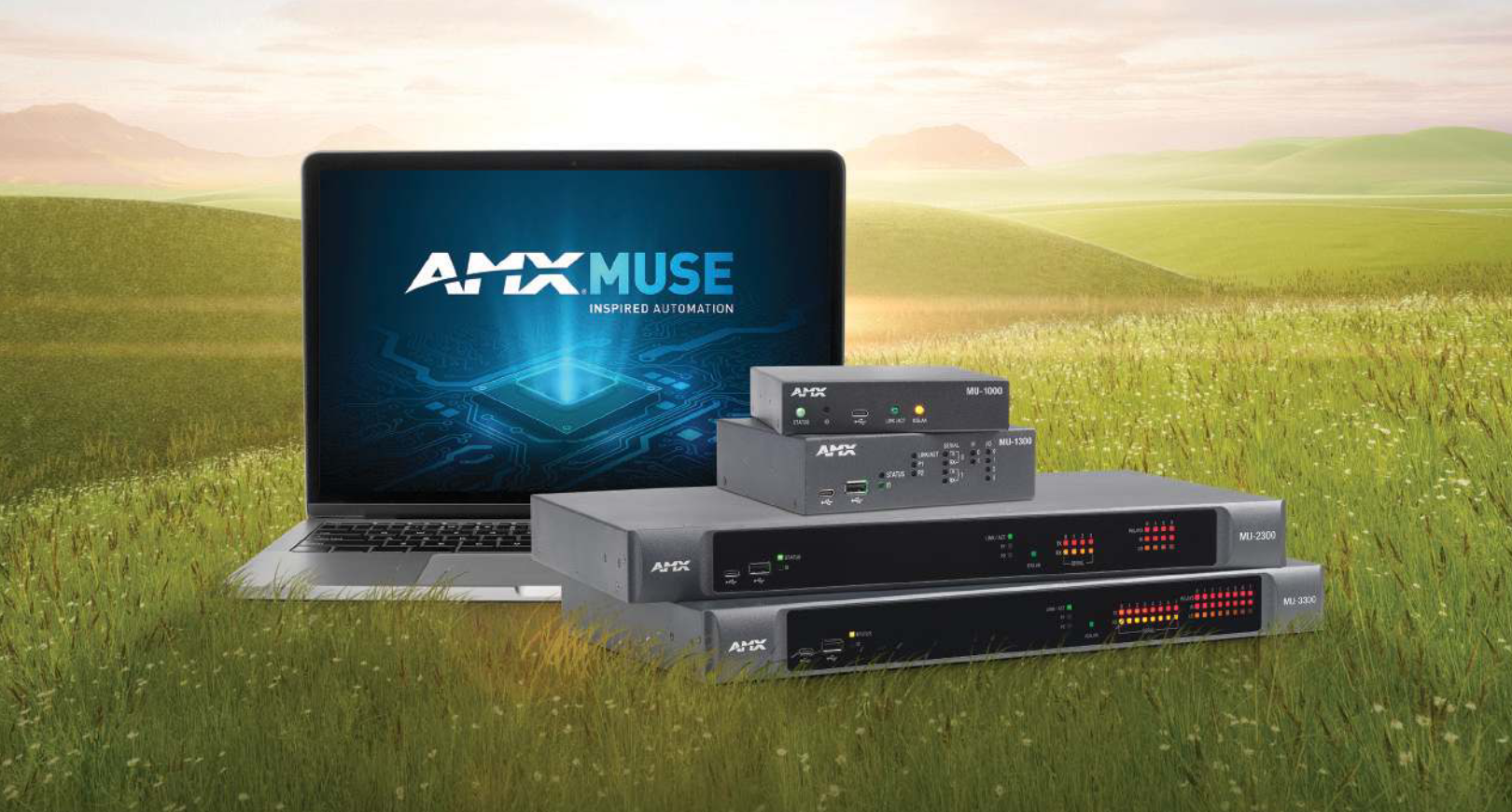
The MUSE automation platform from AMX is a uniquely different and powerfully flexible approach to designing AV control systems. By embracing standard tools and technologies, MUSE supports a variety of skill sets, expanding access to a wider group of developers. To better understand what’s possible
CONTINUE READING


 Consultant Support